
Basics
Availability
Control when reps can receive calls.
How availability works
Converc only shows the badge when at least one rep is available. A rep is available when:
- Their manual schedule says they are available right now.
- If Google Calendar is connected, they are not busy in the selected calendar.
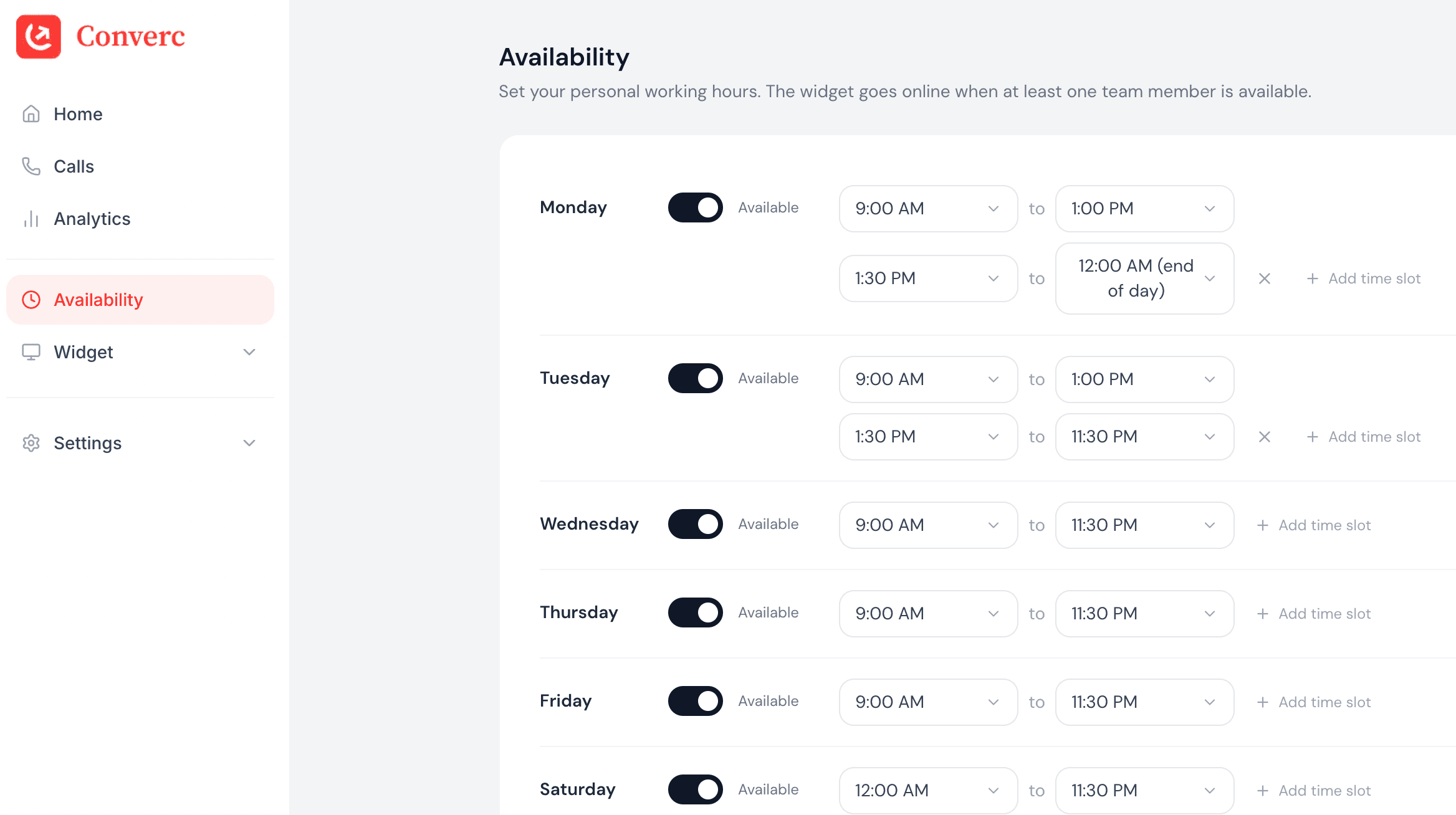
Configure hours
Go to Settings → Availability and set your weekly schedule. Your hours are interpreted in your personal timezone, which you set in Settings → Personal.
Common gotchas
- A calendar event marked Busy will block availability, even if it's a meeting you plan to take.
- If no reps are available and Hide when unavailable is enabled, the widget stays hidden.
⏱
Plan usageUnlimited minutes on your plan.
Available to take calls right now.
A
Alex Johnson
alex@yourcompany.com
Available
⏱
Plan usageUnlimited minutes on your plan.
Unavailable — Busy on Google Calendar.
A
Alex Johnson
alex@yourcompany.com
Unavailable
Having issues? hello@converc.com.