
Basics
Widget Settings
Control badge behaviour and copy.
Where to find it
Open Widget → Widget Settings in the sidebar.
ICConverc
Dashboard
Calls
Availability
Widget
Widget Settings
Theme
Qualifications
Installation
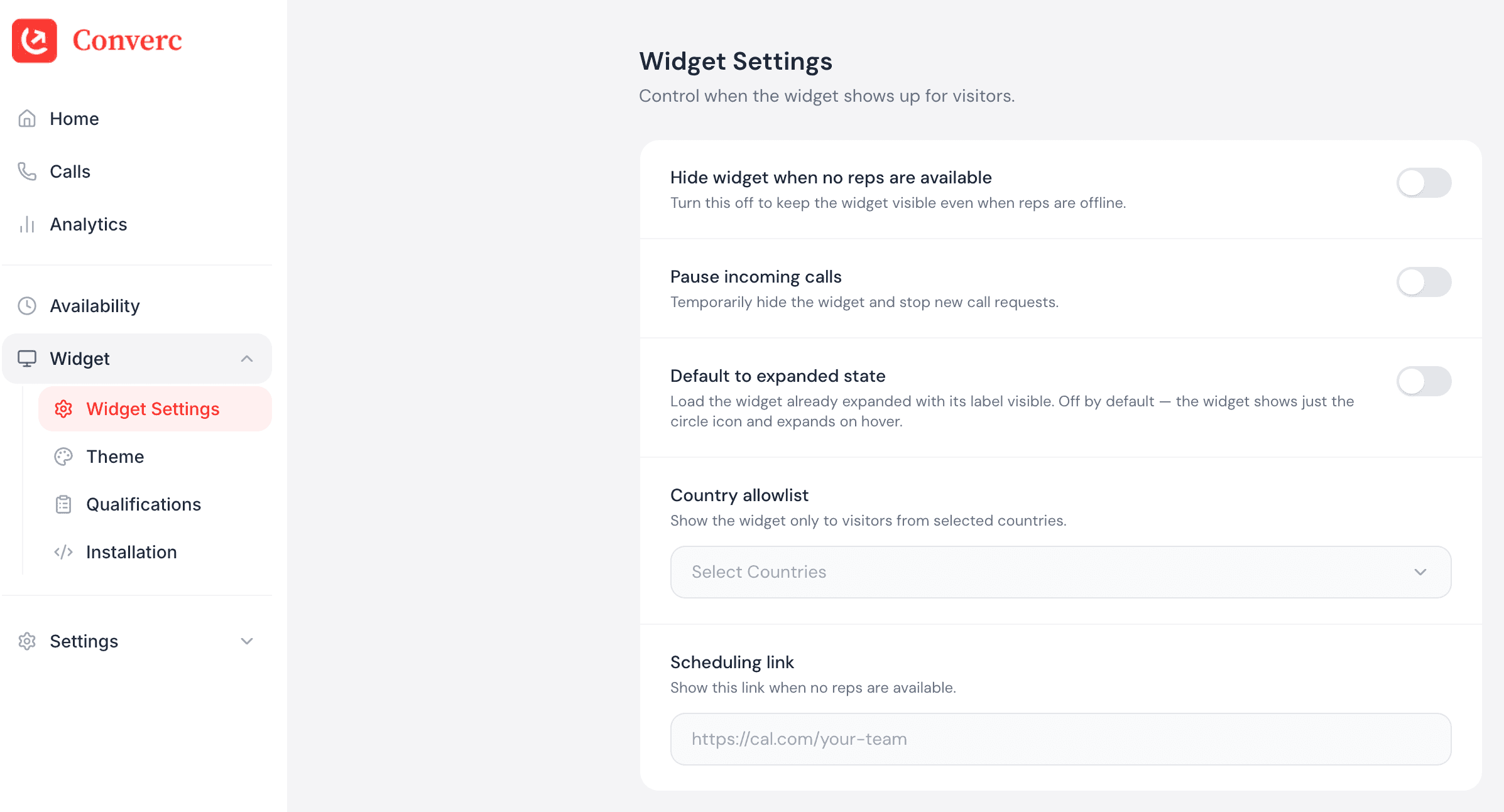
Widget Settings
Control when the Converc widget shows up for visitors.
Hide widget when no reps are available
Turn this off to keep the widget visible even when reps are offline.
Pause incoming calls
Temporarily hide the widget and stop new call requests.
Open widget on page load
Automatically open the widget when visitors land on your site.
Country allowlist
Show the widget only to visitors from selected countries.
All countries
What you can change
- Badge label and welcome copy.
- Collect contact details (email, phone, or both).
- Countries to show the badge in.
- Open the widget on page load.
- Hide when no one is available.
- Pause incoming calls.
- Add a calendar link fallback.
Save and verify
Save changes and refresh your site to see the badge update.
Having issues? hello@converc.com.