
Basics
Widget Theme
Customize the widget look and feel.
Where to find it
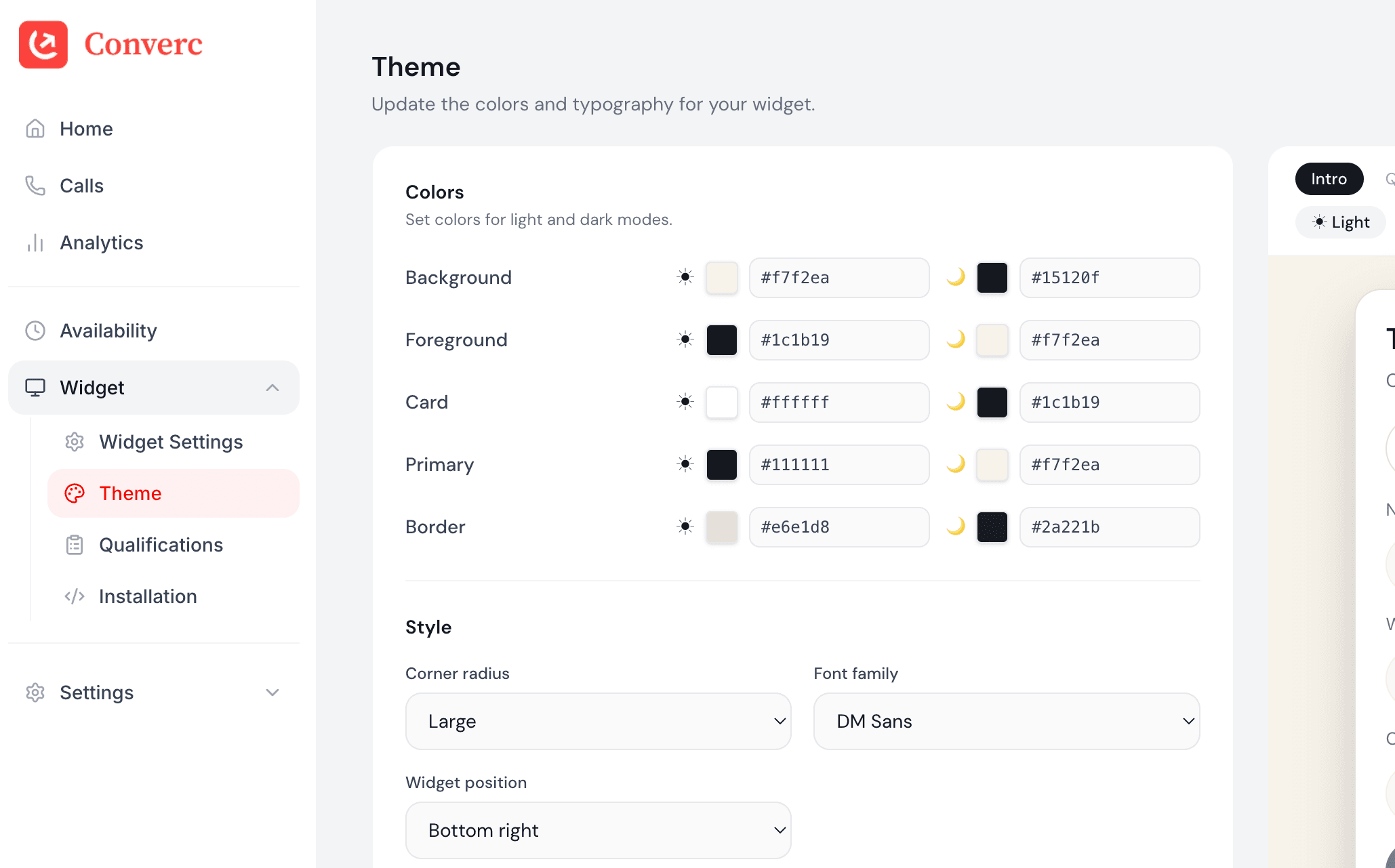
Open Widget → Theme in the sidebar.
ICConverc
Dashboard
Calls
Availability
Widget
Widget Settings
Theme
Qualifications
Installation
Settings
Billing
Widget Theme
Update the colors and typography for your widget.
Colors
Set colors for light and dark modes.
Background
Widget canvas and base surface.
Foreground
Primary text and icon color.
Card
Panels inside the widget.
Primary
Primary action buttons.
Border
Dividers and outlines.
Style
Customize the look and feel.
What you can change
- Colors for the widget and buttons.
- Font and border radius.
- Copy on every step of the widget flow.
Save and verify
Save changes and refresh your site to see the theme update.
Having issues? hello@converc.com.