
Basics
Installing the Widget
Add the Converc badge to your site in minutes.
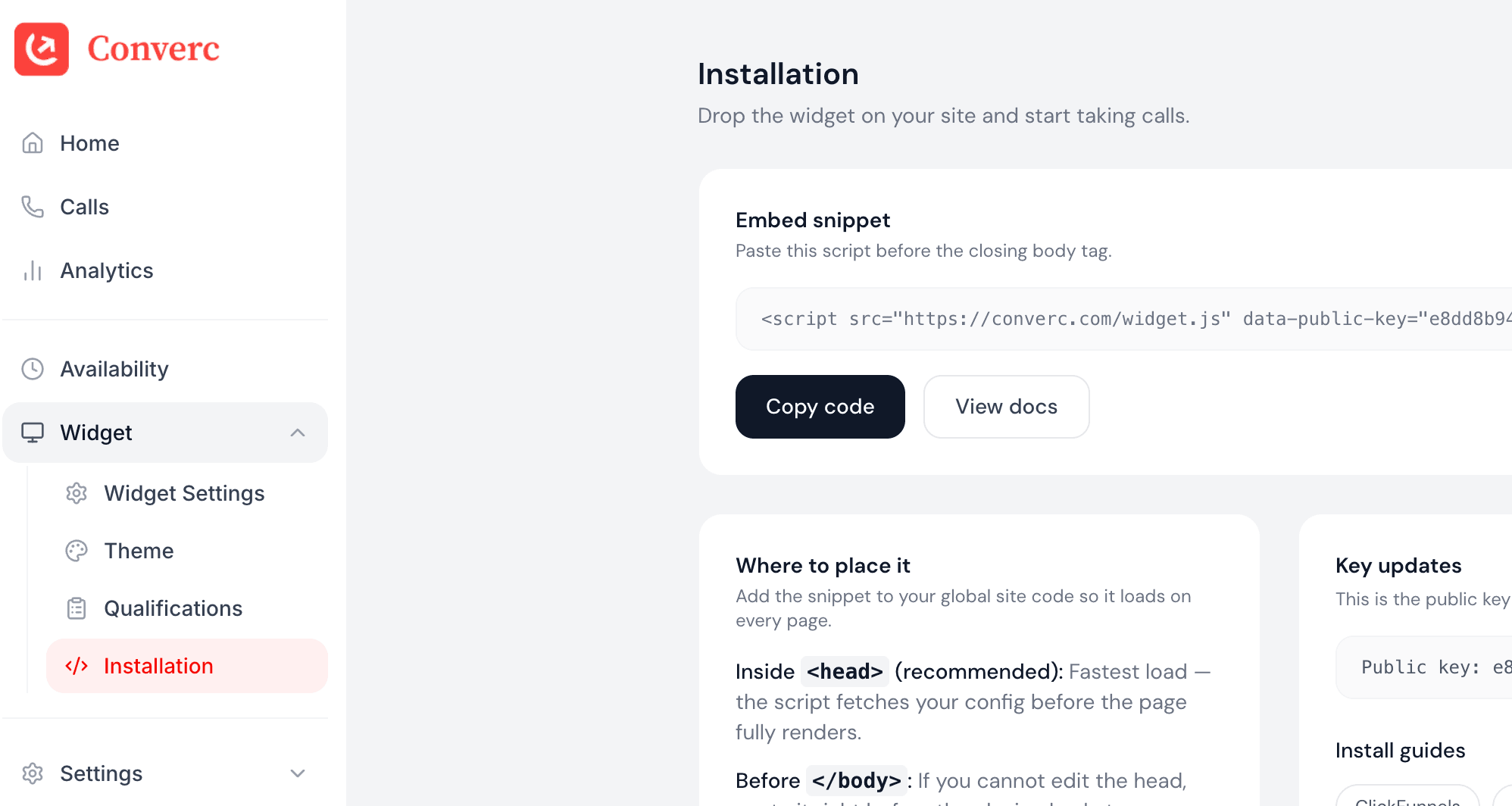
Add the widget script
Place this script on every page where you want the badge to appear.
<script
  src="https://converc.com/widget.js"
  data-converc-public-key="<your-key-here>"
  defer>
</script>
Verify it loads
Open your site and confirm the badge appears. If it doesn't:
- Make sure the public key matches the site in Converc.
- Ensure the script is not blocked by a CSP or ad blocker.
Inline button
Want a “Talk to us” button in your hero, nav, or footer instead of (or alongside) the floating badge? Add the script once, then call window.converc.open() from any element. It opens the same call modal as the floating launcher.
HTML
<!-- 1. Add the script once in your <head> -->
<script
  src="https://converc.com/widget.js"
  data-converc-public-key="<your-key-here>"
  defer>
</script>

<!-- 2. Trigger it from any button -->
<button onclick="window.converc.open()">Talk to us</button>
The widget loads silently in the background — clicking your button opens the call modal instantly. You can use the floating badge and the inline button at the same time.
Add with a tag manager
If you use Google Tag Manager or another tag manager, add it as a Custom HTML tag and publish.
Having issues? hello@converc.com.