
Basics
Common Issues
Quick fixes for the most common setup problems.
Widget not showing
- Confirm the domain matches exactly (for example
www.example.comvsexample.com). - Check that the public key is correct.
- Verify your reps are available.
Widget loads but badge is hidden
- Hide when unavailable is enabled and there are no available reps.
- A connected calendar has a Busy event at the current time.
Calls not connecting
- Ensure camera and microphone permissions are allowed.
- Check that the browser isn't blocking third-party iframes.
Screen sharing on iPhone / iPad
Screen sharing isn't available on iPhone or iPad. This is an Apple limitation, not a Converc one — Safari (and every iOS browser, since they all use Apple's WebKit engine) has no screen-capture API, so no website can share a screen on iOS. The screen-share button is hidden there automatically.
- Works on: Mac, Windows (any browser), and Android Chrome.
- Apps like Meet and Zoom only share an iPhone/iPad screen from their native apps (via Apple's Screen Broadcast), not from a browser tab.
- To share your screen, join the call from a desktop or Android device.
Still stuck?
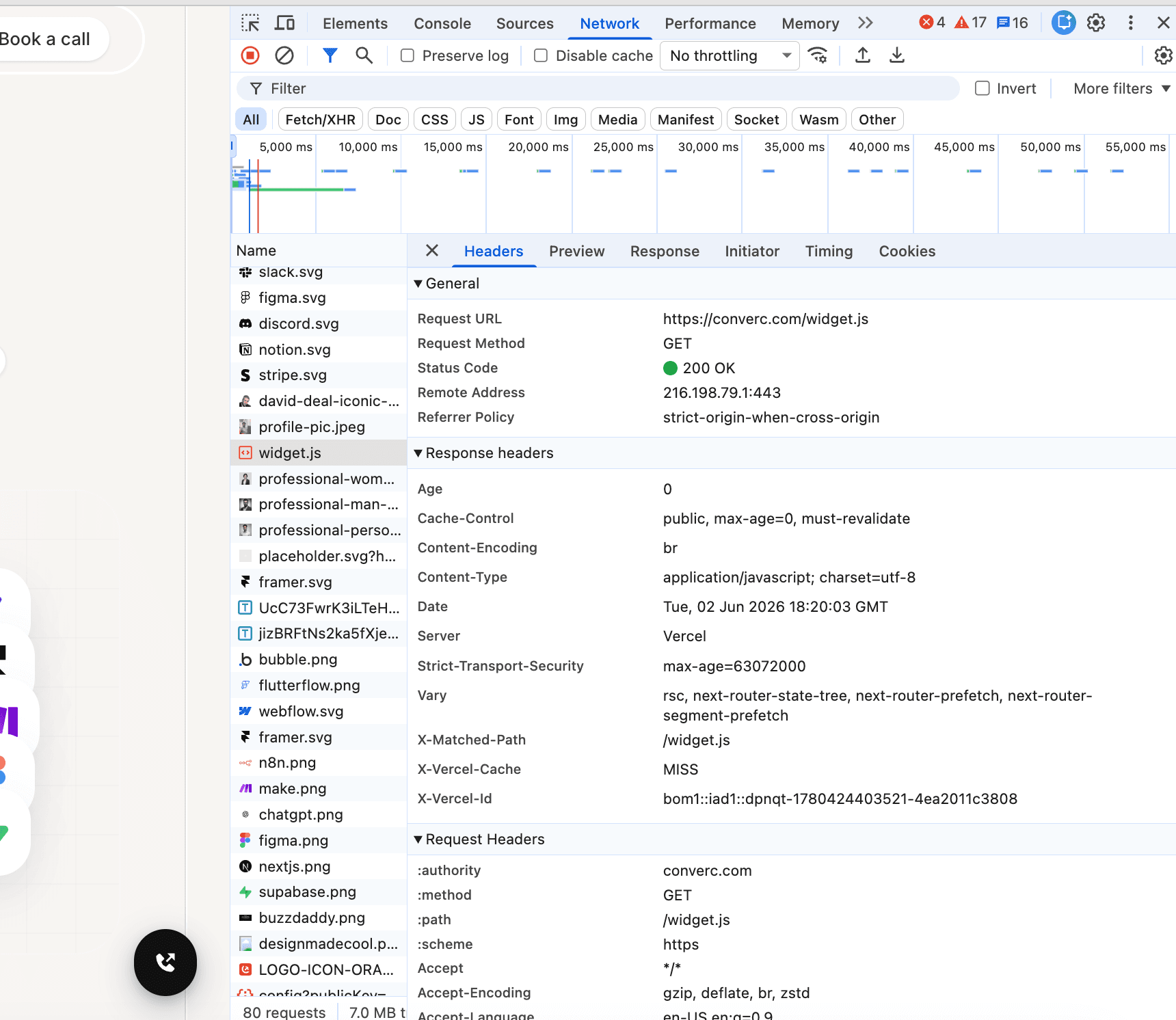
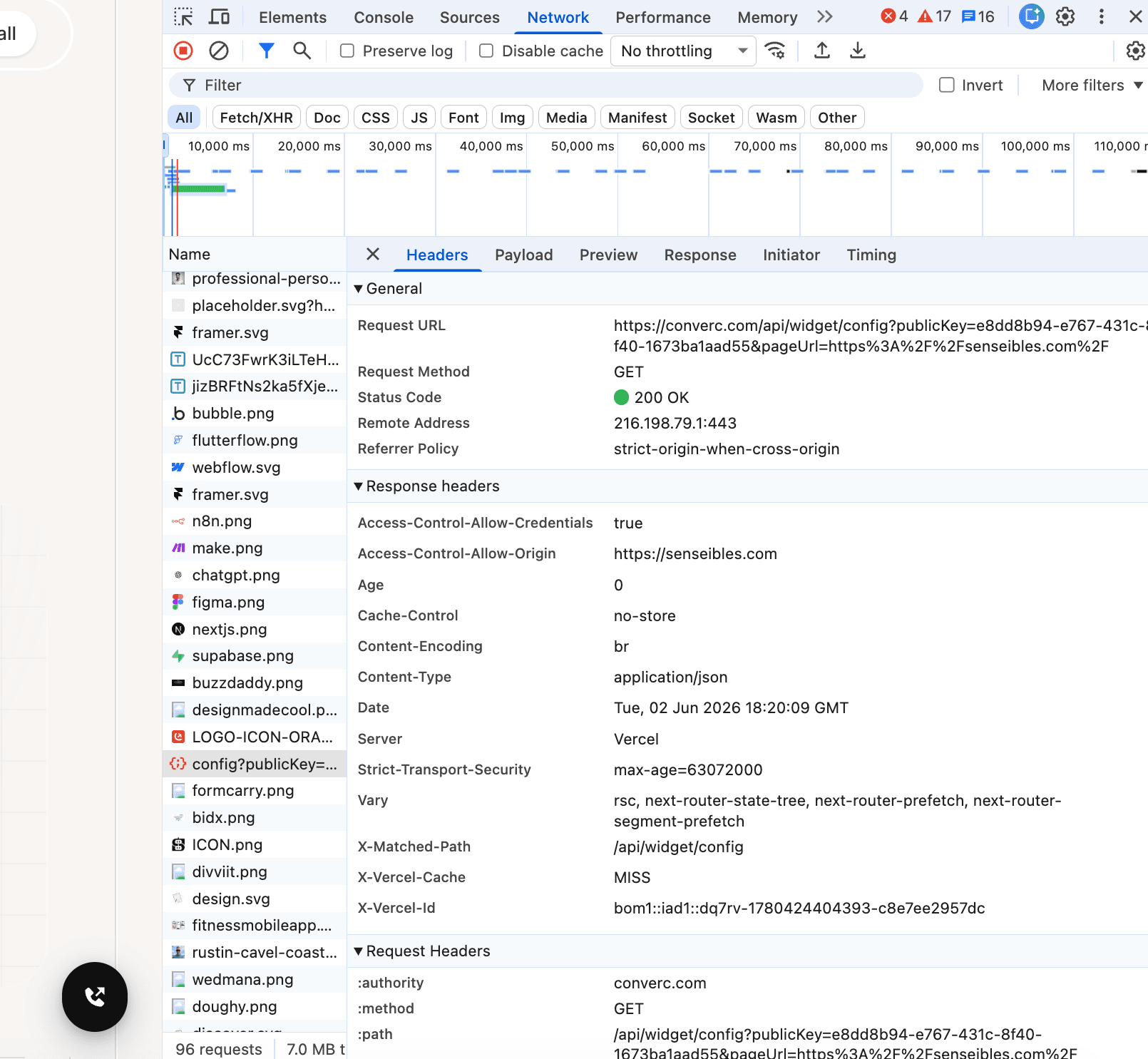
Open DevTools → Network and verify:
https://converc.com/widget.jsreturns 200.https://converc.com/api/widget/config?publicKey=...&pageUrl=...returns 200.
Having issues? hello@converc.com.